Virtualization · Microsoft
Hyper-V
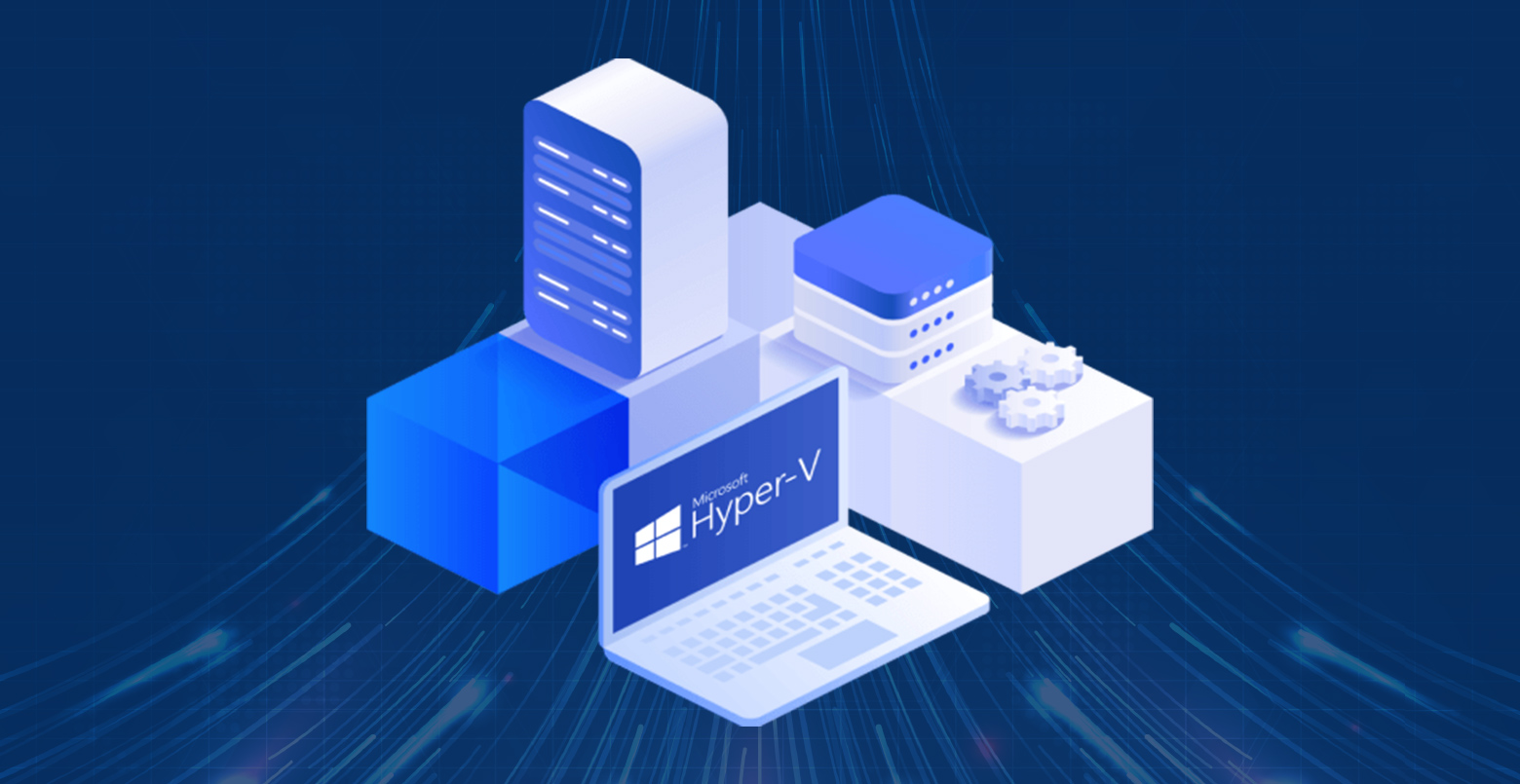
Hyper-V is Microsoft's native hypervisor, built into Windows Server and Windows 10/11 Pro, for creating and running virtual machines on a physical host.
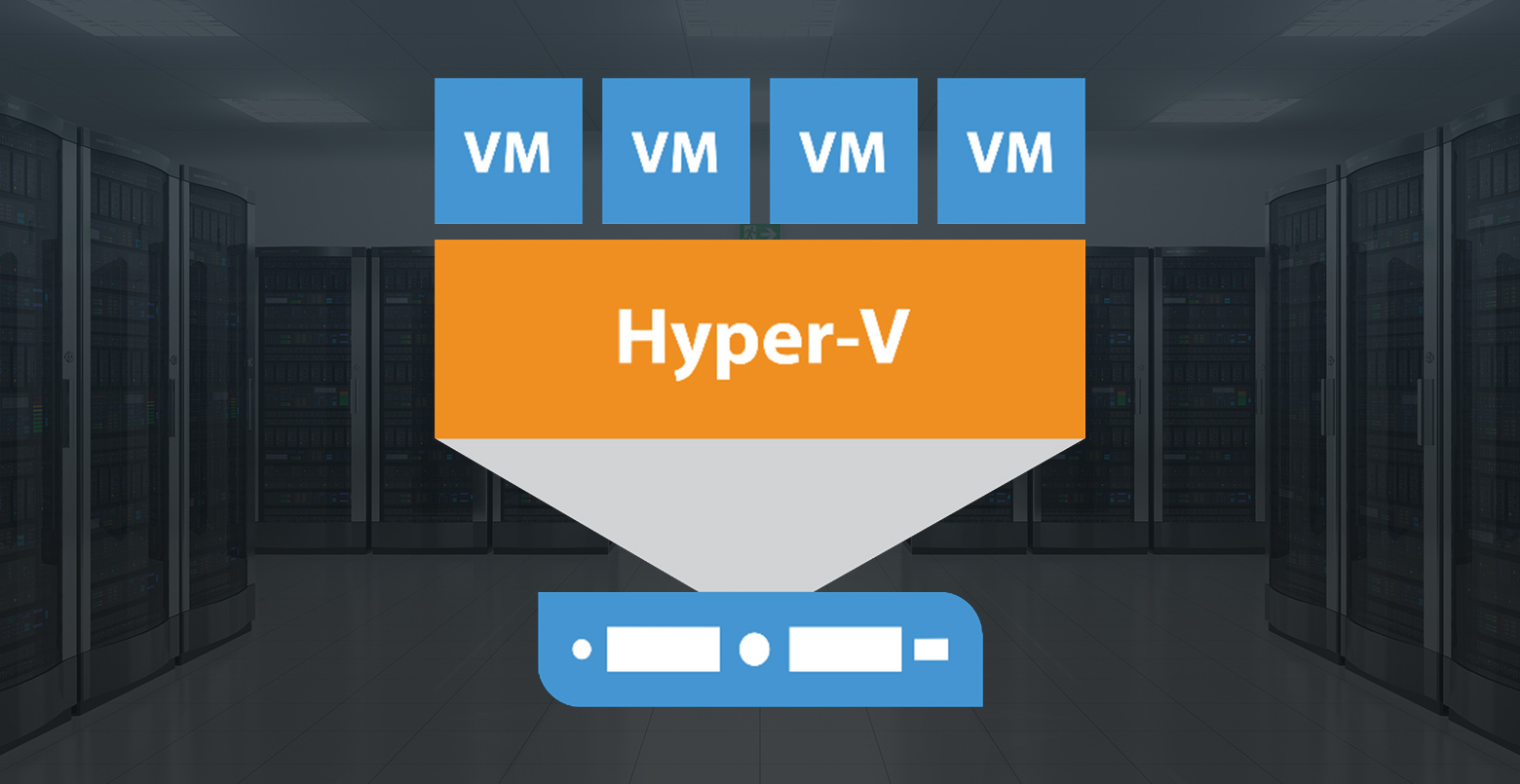
Hyper-V ships with Windows Server and Windows 10/11 Pro at no additional cost — no separate license required. It creates a thin software layer between the hardware and the operating systems running on it, allowing multiple VMs to share a single physical machine's CPU, RAM, storage, and network.
Key capabilities
Live Migration — move a running VM from one Hyper-V host to another without any downtime. Essential for maintenance windows and load balancing across a cluster.
Hyper-V Replica — asynchronous replication of VMs to a secondary host at a remote site. Provides a recovery point for disaster recovery without third-party software.
Integration Services — drivers and utilities installed in guest VMs that improve performance and enable features like time sync, mouse integration, and dynamic memory.
Checkpoints (snapshots) — point-in-time captures of VM state that can be reverted instantly. Useful before risky changes.
Hyper-V vs VMware
Hyper-V is the right choice for organizations heavily invested in the Microsoft stack — it integrates natively with Active Directory, SCCM, and Azure. Management is via Hyper-V Manager or Windows Admin Center for small deployments, or System Center VMM for larger ones.
VMware (ESXi) has a more mature ecosystem, better third-party tool support, and vCenter for multi-host management. For mixed environments or large virtualization deployments, VMware is often the stronger platform. For Windows-centric SMBs, Hyper-V is a perfectly capable and cost-effective choice.